Always find myself forgetting then having to look up how I did it the previous time when a new AIR SDK comes out before it is packed into the latest production quality release of the Flex SDK so here is how I do it.
This is how I do it on OSX.
For this example I am merging AIR SDK 2.7 into Flex SDK 4.5.0.20967
Locations of SDKs at time of this post:
Flex SDK – http://opensource.adobe.com/wiki/display/flexsdk/Download+Flex+4.5
AIR SDK – http://www.adobe.com/products/air/sdk/
Download Flex SDK and unzip archive. I then rename the folder to reflect the AIR SDK I’m going to be merging into it – “flex_sdk_4.5.0.20967_air_sdk_2.7”
Download the AIR SDK “AdobeAIRSDK.tbz2” and place it in the folder you just renamed.
Open terminal and go to the folder you just copied the AIR SDK to.
Type the following and press return:
tar jxvf AdobeAIRSDK.tbz2
This will then unpack the archive and merge it.
Once this is done – add it to your favourite IDE (In my case FDT) and you are ready to go!
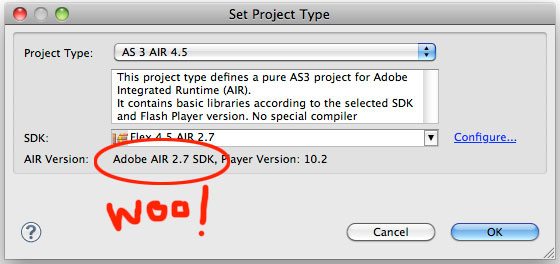
JK.
*UPDATE – September 2012*
Been meaning to do this for ages – If you are using FDT it has a great feature for merging the AIR SDK for you now.
– Go to preferences > FDT > Installed SDKs
– Select the SDK you want to merge your AIR SDK into and click “Merge Air SDK”
Personally I make a copy of my last merged SDK or get the latest available Flex SDK before hand and merge into that. That way if something goes wrong with the new AIR SDK you can always rollback.
JK